

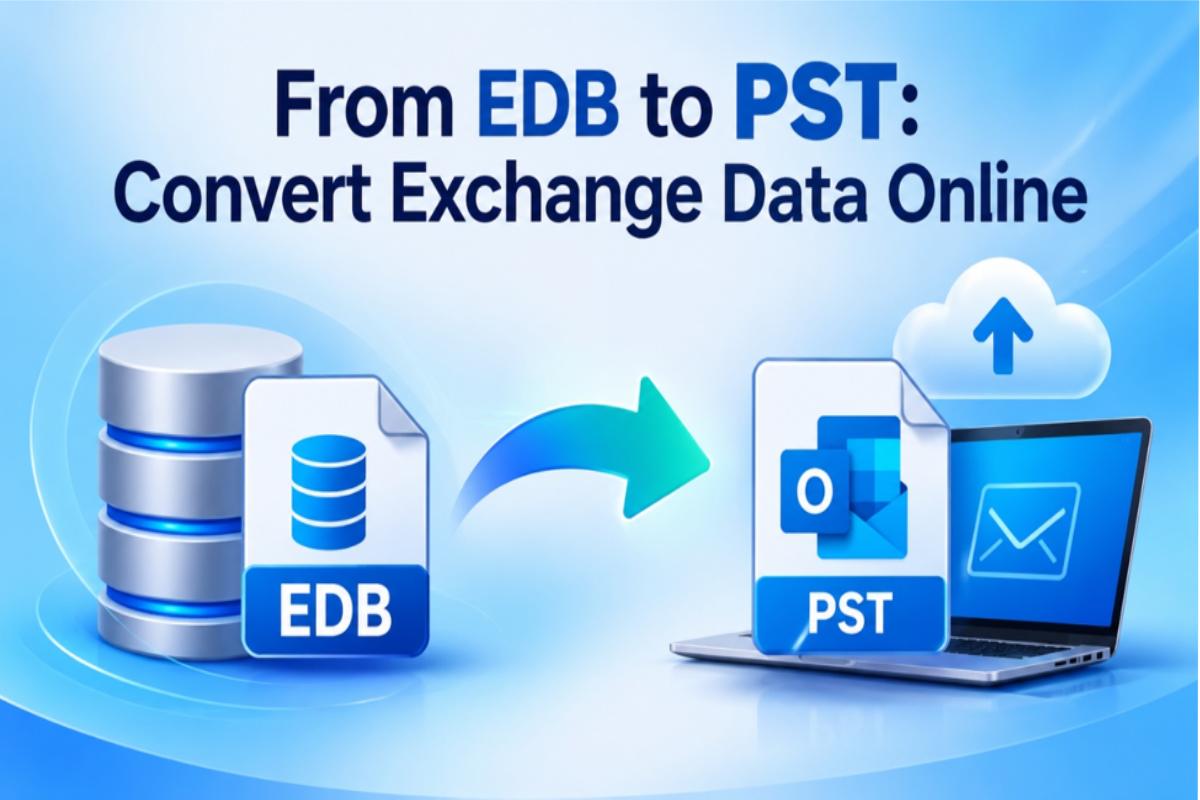
An online EDB to PST converter lets IT teams pull mailbox data out of a Microsoft Exchange database (EDB) file and save it as Outlook PST files, using only a browser. No running Exchange Server, no Outlook installation and no PowerShell session are required for the conversion itself.
That matters more in late 2026 than it did a year ago. Many organizations have retired, or are now retiring, Exchange 2016 and 2019 servers. What they leave behind is a stack of EDB files from decommissioned servers, old backups and abandoned recovery databases. Someone still needs the data inside them for legal holds, audits, departing-employee requests or migration clean-up.
This guide explains when online conversion makes sense for a business, how the process works, what to check before you upload a production database, and where a desktop or native approach is still the better choice.
Why EDB to PST Conversion Matters in 2026
The last security bridge for Exchange 2016 and 2019 closed in October 2026. From November onward, Microsoft releases on-premises Exchange updates for Exchange Server Subscription Edition (SE) only, and it has stopped testing the older versions for vulnerabilities (Microsoft Exchange Team).
| Date | Milestone |
| Oct 2026 | Final Period 2 ESU security updates for Exchange 2016/2019; SE-only updates afterwards |
| May 2026 | Period 2 ESU begins (separate purchase required) |
| Apr 2026 | Period 1 ESU ends |
| Oct 14, 2025 | Extended support ends for Exchange 2016 and 2019 |
| Jul 1, 2025 | Exchange Server SE becomes generally available |
For businesses, this creates three practical pressures:
- Server retirement. Legacy mailbox servers are being shut down, either for an in-place move to Exchange SE or a full move to Exchange Online. Their EDB files often outlive the servers.
- Data retention. Regulators, auditors and legal teams still expect access to historical mail, even after the system that created it is gone.
- Cost control. Keeping an unpatched server alive just to read old mailboxes is now a security liability, not just an operational expense.
Converting an EDB file to PST turns locked database content into portable files that can be opened in Outlook, imported into Microsoft 365, or handed to an eDiscovery team.
What Are EDB and PST Files?
An EDB file is the database Exchange Server uses to store mailboxes for many users at once. A PST file is a personal Outlook data file that holds one mailbox, or part of one, in a portable format.
| Attribute | EDB (Exchange Database) | PST (Outlook Data File) |
| Created by | Exchange Server | Outlook or export tools |
| Scope | Many mailboxes, public folders, metadata | Usually one mailbox |
| Needs to open it | A mounted Exchange database or a third-party reader | Outlook or a compatible viewer |
| Portability | Tied to the server and its transaction logs | Copy, archive or import anywhere |
| Typical business use | Live mail storage | Archiving, legal export, migration, handover |
Where Native Exchange Methods Fall Short
Exchange does include a built-in PST export, but it only works on mailboxes that are live inside a running Exchange organization. That is exactly what you no longer have after a server is retired.
The native route uses the New-MailboxExportRequest cmdlet or the Exchange admin center. According to Microsoft Learn, it relies on the Mailbox Replication service, requires the Mailbox Import Export role (which no role group has by default), and writes PST files only to a UNC network path.
In practice, native methods become difficult or impossible when:
- The server is decommissioned. There is no mounted database for the export request to read from.
- The EDB is orphaned or dismounted. An EDB restored from backup, or left behind after a failed migration, has to be mounted in a recovery database on a compatible Exchange server first.
- The database is in a dirty shutdown state. Recovery may involve Eseutil checks and repairs, which take time and can discard damaged pages.
- The team lacks Exchange expertise. Many mid-sized firms moved to Microsoft 365 years ago. Rebuilding a lab server to read one old database is a poor use of time.
This is the gap online and third-party EDB converters are designed to fill: they read the EDB file directly, without the Exchange services around it.
How to Convert EDB to PST Online
An online EDB converter is a hosted service: you upload the EDB file, the provider’s servers parse the database, and you download the mailboxes as PST files. Everything happens in a browser, so the workstation needs no Exchange or Outlook installation.
As a working example, Stellar’s Online EDB Converter can convert edb to pst files without an Exchange Server, offers a free tier up to 500 MB and a premium tier up to 5 GB, and let users preview mailboxes, folders and item counts before downloading.
Most online services follow a similar workflow:
- Prepare a working copy. Copy the EDB file to a secure location and keep the original untouched. Note its size so you can pick the right plan.
- Sign in to the service. Most providers require an account so uploads and downloads are tied to a verified user.
- Upload the EDB file. Choose the database and confirm it falls within the plan’s size limit. Upload time depends on your bandwidth, so large files are best sent over a wired corporate connection.
- Let the service analyze and convert. The converter reads the database structure and extracts emails, attachments, contacts, calendars, tasks and notes.
- Preview the results. Check the mailbox list, folder tree and item counts against what you expect. This is the quickest way to spot a missing mailbox.
- Download the output. Converted mailboxes are usually delivered as PST files in a ZIP archive. Download them before the retention window closes.
- Validate and use the PSTs. Open each PST in Outlook, spot-check important items, then import into Microsoft 365, archive storage or your eDiscovery platform.
For production work, do not delete the source EDB or its backup until the PST output has been validated and signed off.
What to Check Before You Choose an Online EDB Converter
The right online converter is the one your security, legal and IT teams can all sign off on. Speed and price matter, but an EDB file can hold years of confidential correspondence, so data handling comes first.
| Criterion | What to check | Why it matters for a business |
| Exchange version support | Which Exchange versions the service reads, from legacy builds to Exchange SE | Older archives are often the ones that most need converting |
| File size limit | Maximum EDB size per plan | Production databases often exceed the limits of online tiers |
| Mailbox allowance | How many mailboxes one conversion covers | Pricing is often tied to mailbox count, not just file size |
| Encryption | Encrypted upload and download (TLS) at minimum | Protects data in transit |
| Retention and deletion | How long uploads and outputs stay on the provider’s servers, and whether deletion is automatic | Shorter, automatic retention reduces exposure |
| Preview before download | Mailbox, folder and item-count preview | Lets you confirm completeness before paying or downloading |
| Item coverage | Emails, attachments, contacts, calendars, tasks, notes, folder hierarchy | Missing item types create gaps in legal or audit exports |
| Upgrade path | A desktop or enterprise edition for larger or repeat jobs | Avoids switching vendors when a project grows |
Final Verdict
Converting Exchange data online is a practical, low-overhead way to unlock mailboxes from EDB files once the original server is gone. With Exchange 2016 and 2019 now fully past their last security updates, more organizations will face exactly that situation over the coming months.
The trade-offs are clear: file-size caps, upload dependency and cloud processing. For small or one-off extractions, those trade-offs are usually acceptable. For full-database projects, recurring work or regulated data, they usually are not.
Our recommendation: Use an online EDB converter for small, non-sensitive databases and urgent one-off requests, starting with a free tier to validate the output. When the database is large, the data is regulated, or you need to export straight into Exchange SE or Microsoft 365, choose a desktop based EDB converter tool that processes data on your own infrastructure. Whichever route you take, validate the PSTs before you retire the source EDB.
Frequently Asked Questions
Can I convert an EDB file to PST without Exchange Server?
Yes. Online and third-party EDB to PST converters read the EDB file directly, so no running or mounted Exchange database is needed.
Is it safe to upload an EDB file to an online converter?
It depends on the provider and your policies. Check for encrypted transfer, automatic deletion, server location and a clear privacy policy, and get sign-off from security or legal for confidential data.
Will the PST keep folder structure and attachments?
Most converters preserve the folder hierarchy, attachments, contacts, calendars and tasks. Use the preview and a post-download spot check to confirm.
Can I import the converted PST into Microsoft 365?
Yes. PST files can be imported into Exchange Online mailboxes using Microsoft’s PST import options or a migration tool.
Do I still need EDB to PST conversion if I’ve moved to Exchange SE?
Often, yes. Old databases from retired servers, backups and recovery copies still hold data your business may need to retrieve.